Minimalist
A small sprig of wildflowers with a crescent moon

Describe your idea, choose a style, and create a design reference for your tattoo artist.
Your recent designs
Sign in to sync your AI tattoo designs across devices. Classic font saves stay in this browser.
Free font previews saved in this browser will appear here. Sign in to view and sync your AI designs.
See how AI-generated tattoo designs look on real skin. Pick any example below to try its prompt and style for your own placement.
A small sprig of wildflowers with a crescent moon
A fox portrait framed by two fern fronds
A mountain range inside a geometric diamond
A moth framed by peonies
A koi fish swimming through curling waves
A compass with a small sun and crescent moon
The same description — “A rose with two leaves” — generated in four styles. Compare outlines, shading, and color before choosing a direction.
These examples show twelve different tattoo styles. Choose a style to apply it to your current idea.
Explore a few subjects, then make the description your own.
Flowers, leaves, and moths framed by botanical shapes.
Animal portraits and flowing creatures with a clear silhouette.
Mountains and symbols arranged within simple geometric shapes.
A compass, sun, or moon with a meaning of your own.
Each pair uses the same rose description and Minimalist style, with the labelled option changed. These are example outcomes; a new generation can look different.
Compare a square and a tall arrangement before discussing placement with your artist.
Compare Thin and Heavy selections to explore lighter outlines or a stronger silhouette.
Compare Simple and Complex to explore different amounts of drawing detail.
Compare the default ink selection with a violet and green palette.
This Minimalist palette example stayed mostly black. Palette selections guide the model and may not be reproduced exactly.
Name the subject and a few details that matter to you. Use everyday words in the input field.
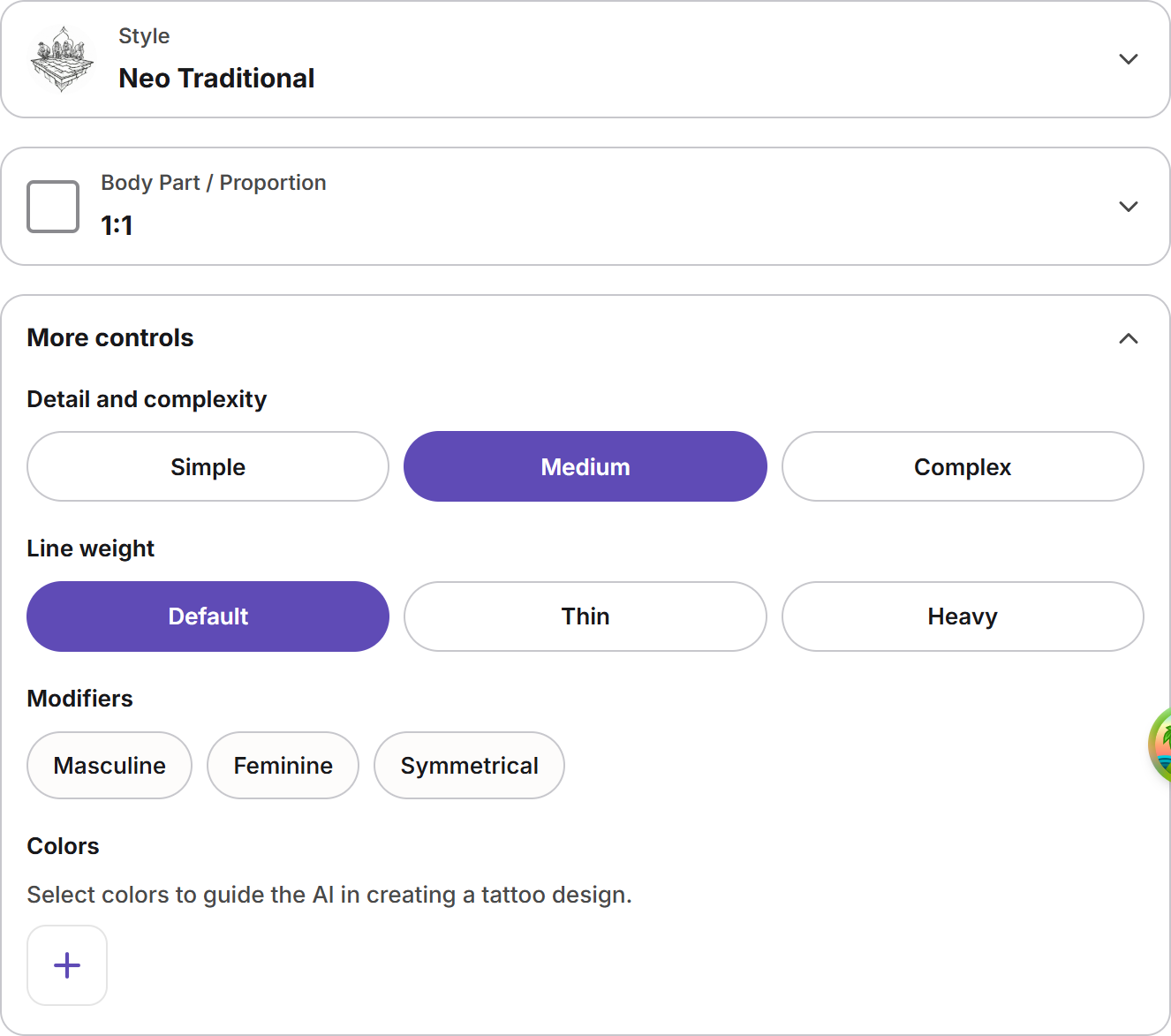
Choose a style, proportion, detail level, and ink palette. Sign in to generate. Each new design uses 1 credit.
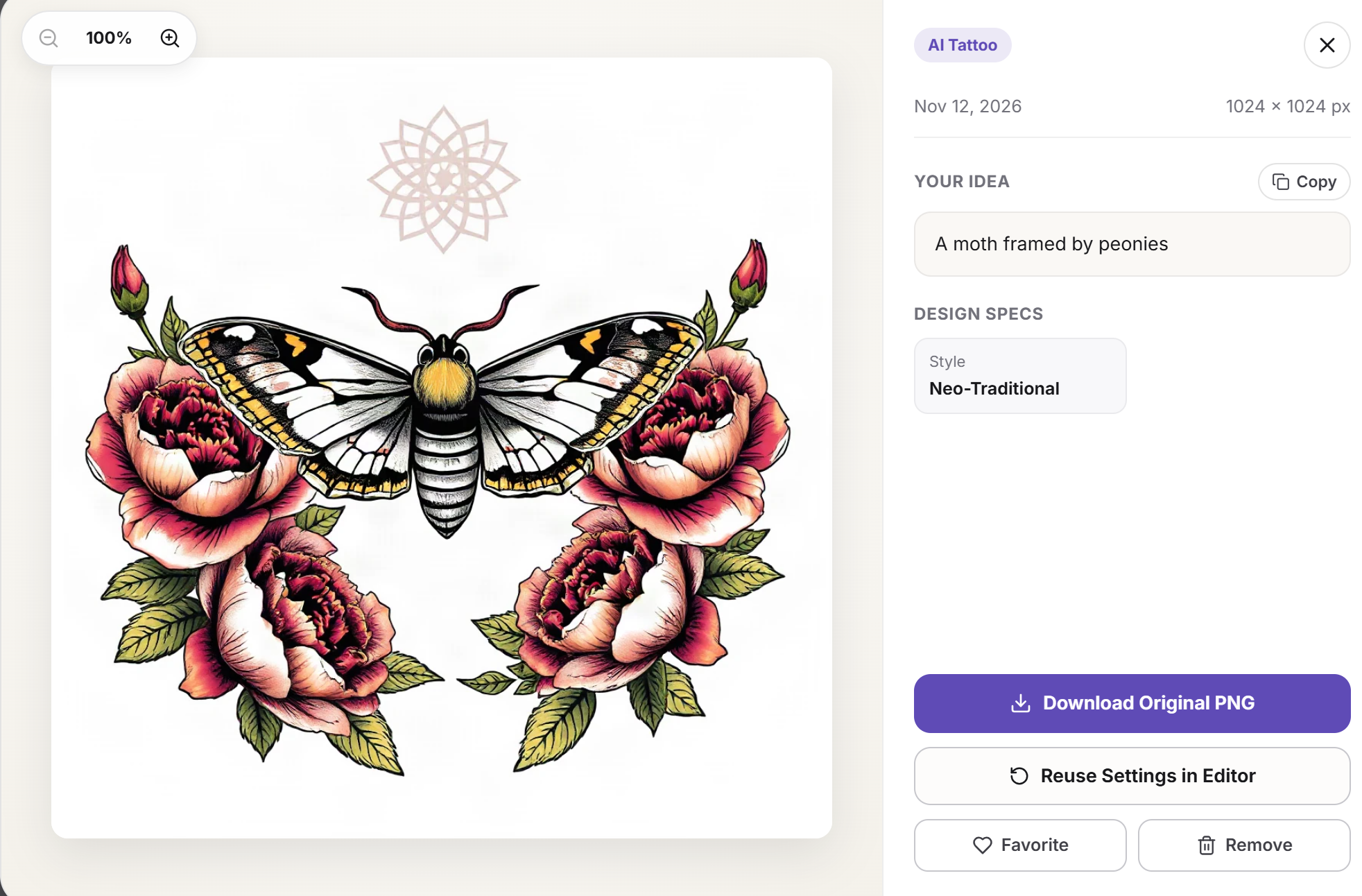
Completed designs appear in My Designs. Open one to download its PNG or reuse its text and selections for another version.
New accounts receive 3 trial credits. Generation failures return the credit.
Use the generated image as a starting reference. Review the design together before preparing the final tattoo.
Look closely at shapes, symmetry, small marks, and any written text.
Ask your artist to adapt line thickness, detail, size, and placement for the final piece.
Bring the PNG and explain which parts you like. Your artist can redraw and refine the composition.
Start with the subject, such as a moth, fox, or rose. Add a few details you want, such as flowers around it or a geometric frame. Choose the style and other options using the controls.
Yes. Use This Idea fills the description and selects its style. Try This Style keeps your current description. You can edit either before choosing Generate Tattoo.
Each new generation costs 1 credit and requires an account. New accounts receive 3 trial credits. Confirmed generation failures return the credit. See the pricing page for credit packs and plans.
Yes. Reuse a saved design’s settings from My Designs, then change the description or options. Each new generation uses 1 credit, and the result can differ from earlier examples.
Completed designs are linked to your account. My Designs lets you open a design, favorite it, download the image, or restore its original description and selections.
The selection guides the proportions and composition of a design reference. Discuss the actual size and placement on your body with your artist.
Have your tattoo artist review and adapt the generated reference before preparing a stencil. AI can produce details that need redrawing.
Use the free Tattoo Font Generator for instant font previews and PNG downloads. AI Tattoo Lettering provides a dedicated set of six lettering design styles.
The page shows progress while your design is being generated. Time varies with the provider queue and request. You can return to My Designs to review completed designs.
There is no single best tattoo font. Script usually suits names; Gothic or Old English suits short, bold words; serif is clearer for dates and longer quotes; typewriter styles work well for dates and straightforward text. Preview your exact letters in the Tattoo Font Generator, then ask your artist to check readability at the planned size.
The AI tattoo generator uses 1 credit per design and requires an account. New accounts receive 3 trial credits. Font previews and font PNG downloads on the Tattoo Font Generator stay free. See the pricing page for credit packs and plans.
The Tattoo Font Generator shows your words in an existing typeface and lets you download a PNG without using credits or signing in. This AI tattoo generator creates a new image from a written idea, style, and other options, and each design uses 1 credit. Use the font library when you want to compare lettering styles for a name, date, or quote. Use this page when you want a custom illustration, then take the PNG to your artist as a reference, not as a finished stencil.
Download the PNG and show it at the size you actually want on the body. Ask your artist to check whether small details will hold as the tattoo heals, and to adjust line thickness, spacing, and placement. If the design includes words, confirm the spelling against your original text. You can also preview the same words in the Tattoo Font Generator and bring both a font PNG and the generated image to the appointment. The artist should prepare the stencil; the downloaded file is only a reference.
Start with a subject, choose a style, and explore a direction with your artist.